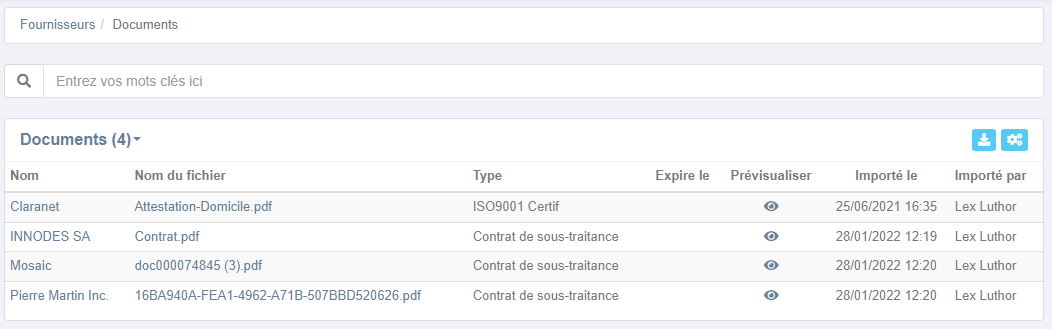
Contacts and Purchases: Access all documents from a single page.
Whether for contacts or suppliers (Purchasing Module), previously you had to navigate to each "documents" submenu. Not necessarily practical for daily use.
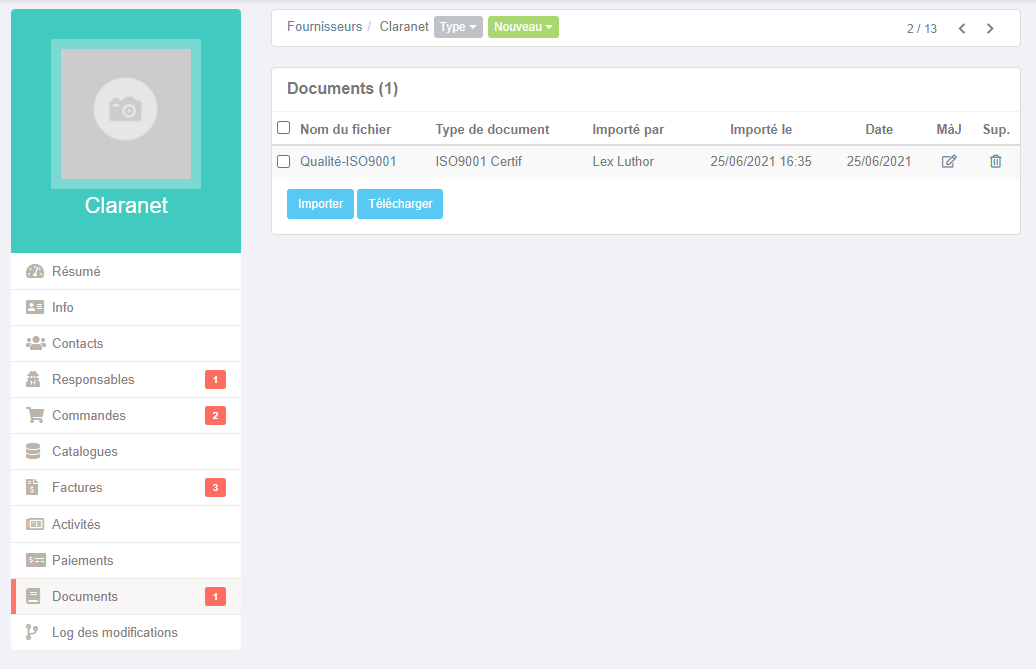
Now you can access all documents from a single page, for both suppliers and contacts.
This was already possible for employee documents.
On each screen (Employees, Suppliers, Contacts), you have a "Documents" button.

By clicking on it, you access the list of documents for the relevant entity. In our example, these are the suppliers.
As with every Nicoka screen composed of Variants, you can filter your document searches.